

Otto is a smart home system installed by your builder that reduces energy and protects your home. Our app allows you to conveniently control your lights, locks, and thermostat. Getting started couldn’t be easier…
Ensure your Hub is connected.
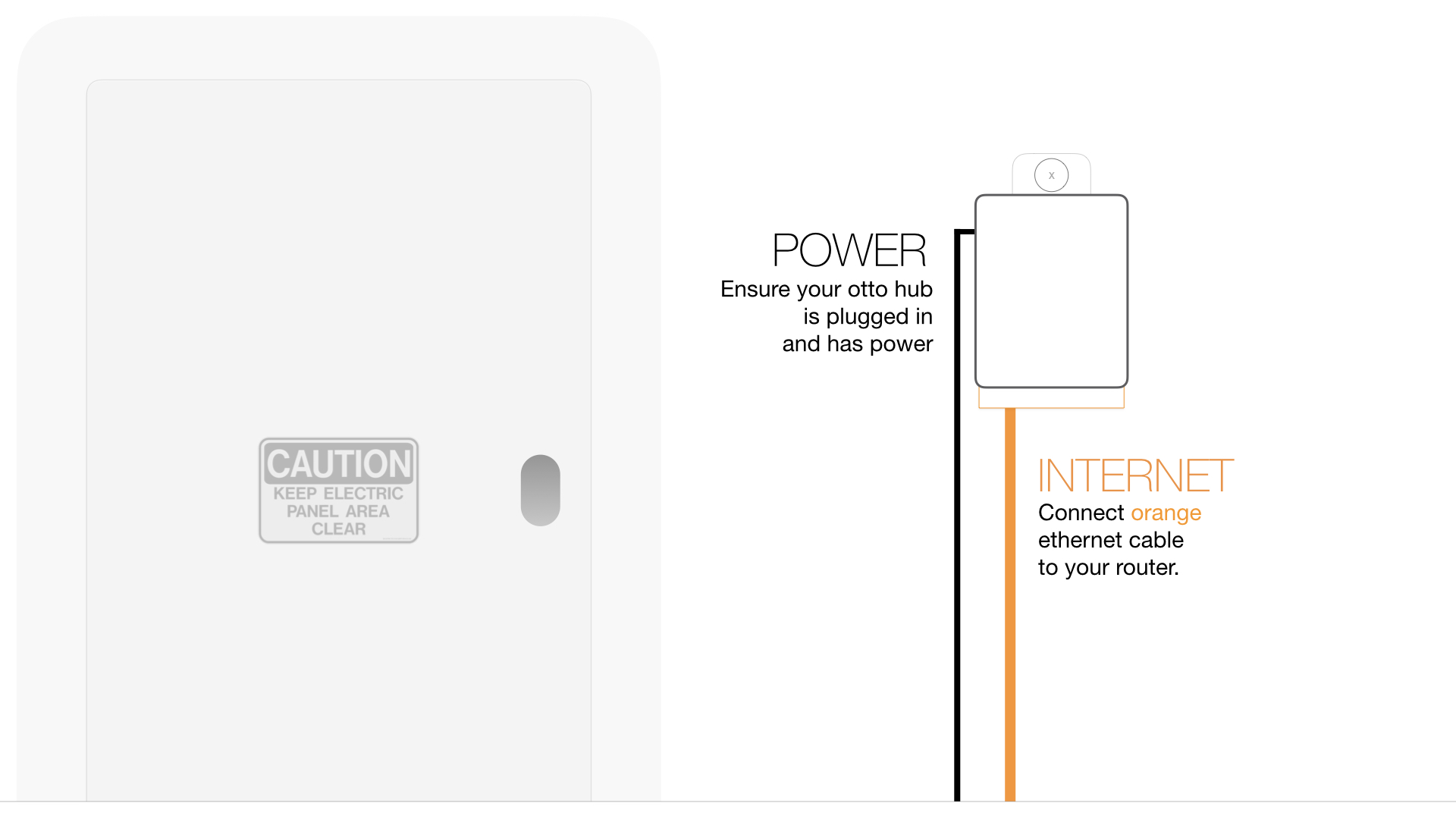
The control hub allows you to remotely connect to your home via the internet. The hub needs to be connected to your router or ISP. Your builder has most likely installed the hub in your mechanical room next to your electrical panel. Locate the hub and ensure that it is plugged into a power source, and the orange ethernet cable is plugged into your router.
I don’t have internet in my mechanical room?
If your internet services are located in another room, you will need to move your hub. It’s important that your hub not be placed on top or near possible interference like microwaves, cordless phones, metal surfaces, etc.
Replace Batteries in the Otto Smart Lock.
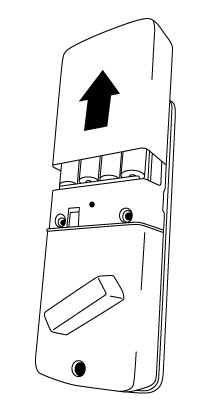
On the Otto Lock slide the back panel up and replace the 4x AA batteries.
Get the otto app.
Download the otto app from the Apple App Store or Android Google Play.
Follow the on screen instructions to create a login, and set up your home. You still need your hub key located on both the side and back of your otto hub. Where is my hub key?
Still need help?
Need more help? Start by submitting a support request online and we'll connect you to an expert.